
10 Front-End Performance Tips Every Developer Should Know in 2026
In 2026, users expect web applications to be fast, responsive, and smooth across every device. Whether users are accessing an application from a desktop, laptop, or mobile device, performance has a direct impact on how they experience the product.
Front-end performance is no longer just about improving load time. It directly affects user experience, engagement, accessibility, and conversions. A page may load its initial content quickly, but if interactions are slow, content shifts unexpectedly, or the browser has too much work to process, the application can still feel slow.
That’s why performance should be considered throughout the development lifecycle — from design and development to testing and deployment.
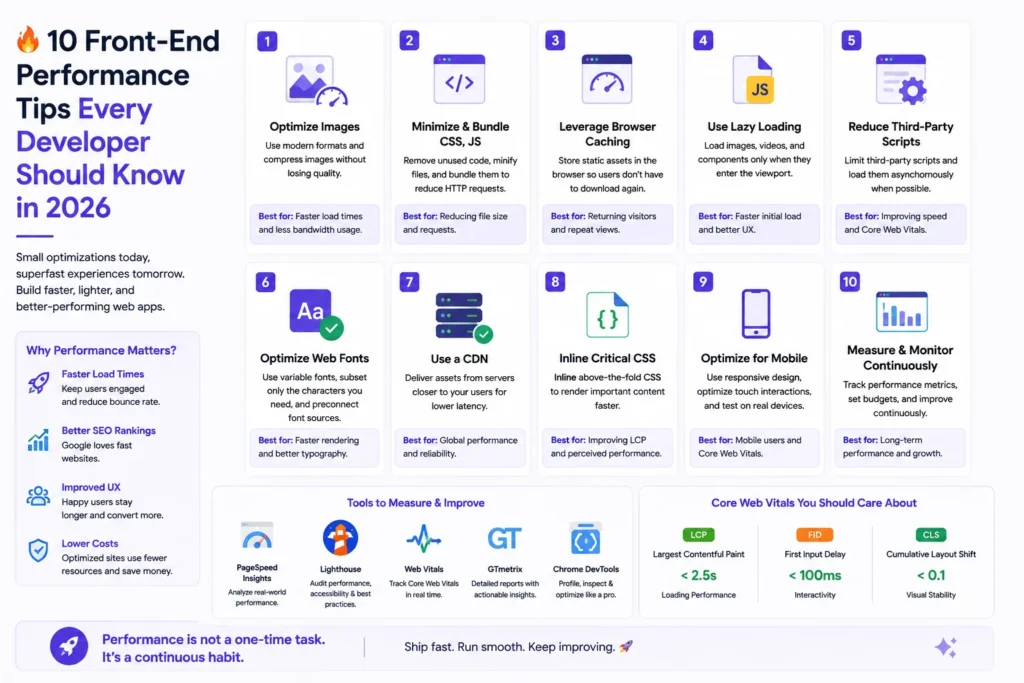
Here are 10 practical front-end performance tips every developer should keep in mind in 2026
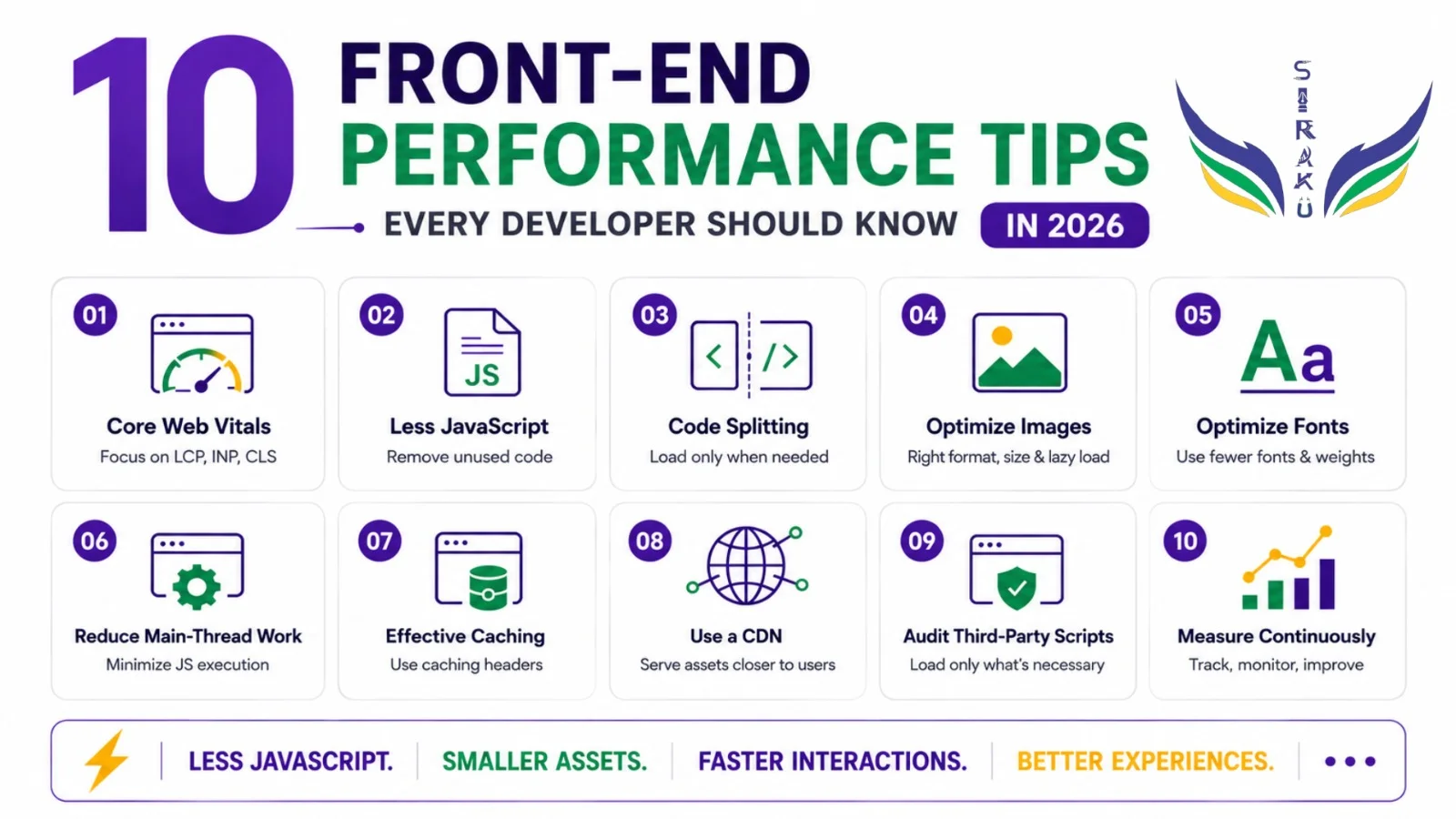
1. Optimize Core Web Vitals
Core Web Vitals help developers understand how users experience a website in real-world conditions. The key metrics are LCP (Largest Contentful Paint), INP (Interaction to Next Paint), and CLS (Cumulative Layout Shift).
These metrics focus on three important aspects of the user experience: loading performance, interaction responsiveness, and visual stability. Improving them can help make an application feel faster, more responsive, and more stable.
However, developers shouldn’t rely only on Lighthouse or other lab-based testing tools. Lab tests are useful for identifying potential performance problems in controlled environments, but they cannot represent every real-world device, network, or user condition.
Real-user monitoring (RUM) can provide additional insight by showing how an application performs for actual users.

Metric | Focus |
LCP | Loading performance |
INP | Interaction responsiveness |
CLS | Visual stability |
The goal should be to understand both how the application performs in testing and how it performs for real users
2. Ship Less JavaScript
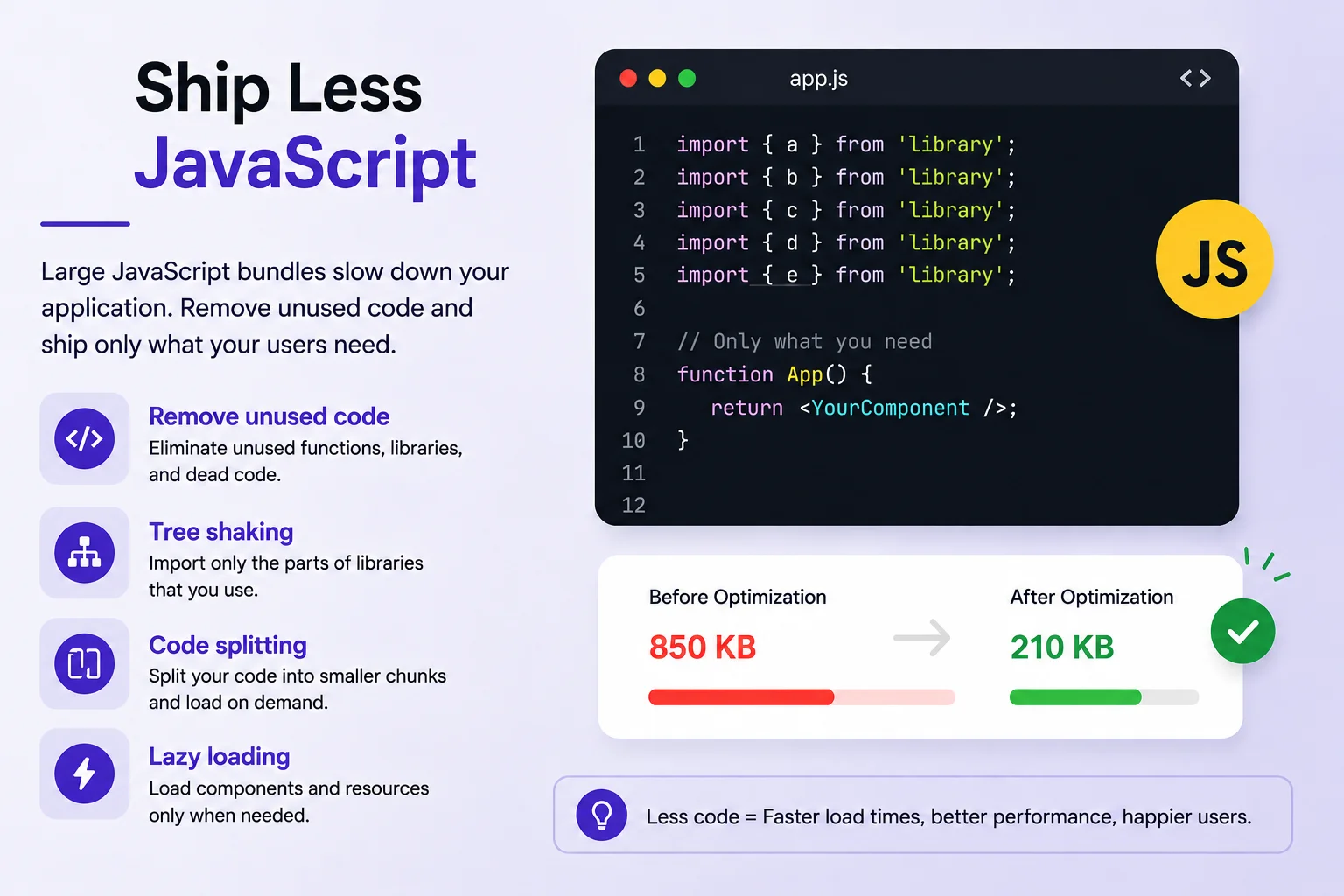
JavaScript is an important part of modern front-end applications, but shipping unnecessary JavaScript can increase the amount of work the browser needs to perform.
Large JavaScript bundles can increase download, parsing, compilation, and execution time. This can affect the initial loading experience as well as responsiveness during user interactions.
Regularly review your dependencies and remove code that is no longer needed. Techniques such as tree shaking, code splitting, and lazy loading can help avoid shipping JavaScript that isn’t required for the user’s current experience.
The goal isn’t simply to have the smallest possible JavaScript bundle. The goal is to avoid delivering and executing JavaScript that users don’t need at that moment.
A carefully optimized JavaScript payload can help reduce unnecessary browser work and improve the overall experience, particularly on slower networks and less powerful devices
3. Use Code Splitting & Lazy Loading
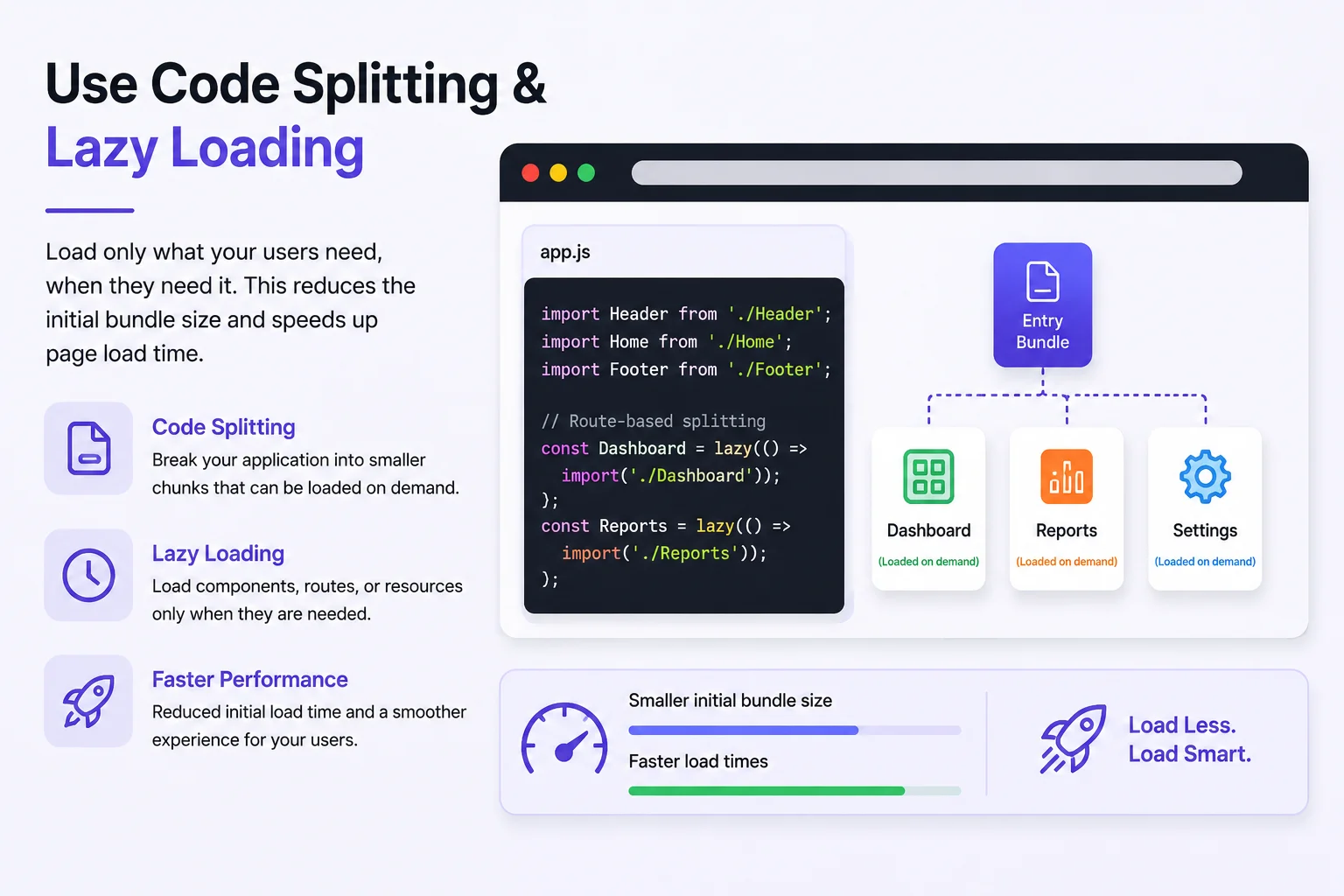
Large applications often contain many features, but users don’t necessarily need every feature immediately. Loading the entire application upfront can result in a larger initial payload and more work for the browser.
Code splitting allows an application to divide its JavaScript into smaller chunks. These chunks can then be loaded when the related functionality is needed.
Lazy loading can further delay non-essential resources or functionality until they are actually required.
This is particularly useful for larger applications such as:
- Dashboards
- E-commerce platforms
- Admin panels
- Applications with many features or routes
For example, if a user only needs one section of an application initially, there may be little reason to load every other feature at the same time.
The goal is simple:
Load less, and load it when needed.
When implemented appropriately, code splitting and lazy loading can reduce the amount of code required during the initial experience and allow important functionality to become available sooner.
4.Optimize Images
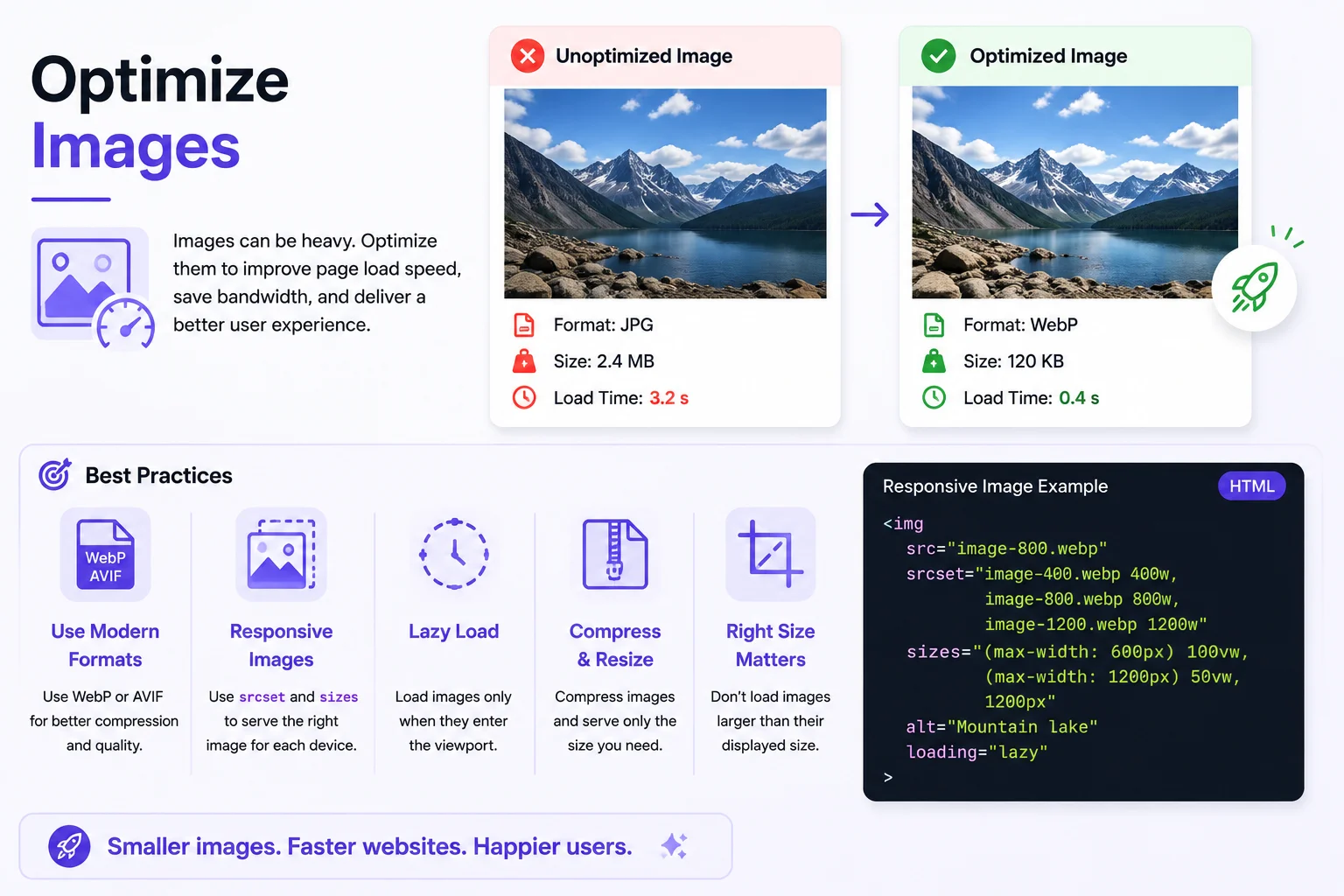
Images can account for a significant portion of a webpage’s total transferred bytes. Large, uncompressed, or incorrectly sized images can therefore have a noticeable impact on loading performance.
Developers should use appropriate image formats and serve images according to the user’s device and the size at which they are actually displayed.
Some important practices include:
- Use modern formats such as WebP or AVIF.
- Lazy-load non-critical images.
- Use responsive images with srcset and sizes.
- Compress and properly size images before deployment.
- Avoid loading images larger than their displayed dimensions.
5.Optimize Web Fonts
Web fonts can also contribute to page weight and affect how quickly text becomes available to users. Using too many font families, styles, and weights can increase the amount of data that needs to be downloaded.
Developers should use only the fonts and weights that are actually required by the application.
Techniques such as font subsetting, compression, appropriate preloading for critical fonts, and font-display: swap can help improve the loading experience.
Font subsetting can reduce unnecessary font data, while compression can reduce transfer size. For fonts that are genuinely critical to the initial experience, appropriate preloading can help the browser discover them earlier.
Using font-display: swap can also allow fallback text to be displayed while the web font is loading, helping avoid unnecessary delays in showing text.
The key is to treat fonts as performance-sensitive assets rather than assuming they have little impact on page performance.
6.Reduce Main-Thread Work
A page can finish loading and still feel slow when users begin interacting with it. Heavy JavaScript execution and unnecessary browser work can keep the main thread busy and delay interactions.
Developers should avoid unnecessary DOM updates, reduce expensive JavaScript operations, and break up long-running tasks where appropriate.
For CPU-intensive work that doesn’t need direct access to the DOM, Web Workers can help move processing away from the main thread.
This can be useful when an application needs to perform significant client-side processing while still keeping the interface responsive.
Performance isn’t only about how quickly the initial content appears. The application should also respond quickly when users click, type, scroll, or interact with the interface.
A fast page should also feel fast when users interact with it.
7. Use Effective Caching
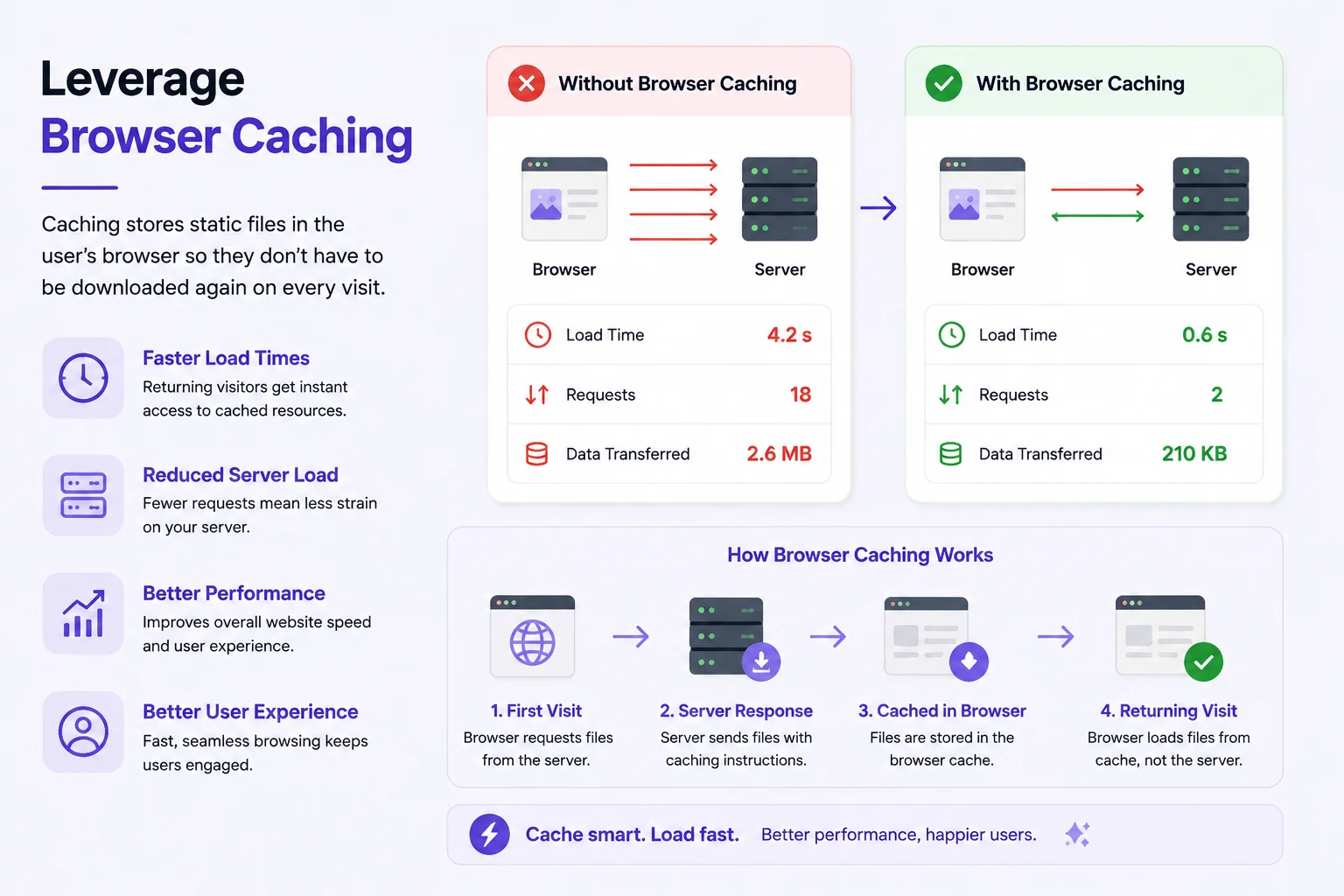
Caching allows browsers and other intermediaries to reuse resources instead of downloading them repeatedly. This can be particularly beneficial for returning users because resources that are already cached may not need to be downloaded again.
For static assets such as JavaScript, CSS, images, and fonts, use appropriate HTTP caching headers. Content-hashed or versioned filenames can also help browsers cache assets efficiently while ensuring that updated files can be downloaded when they change.
Effective caching can help:
- Reduce unnecessary network requests.
- Improve performance for returning users.
- Reduce repeated downloads.
- Make static asset delivery more efficient.
Caching needs to work together with asset versioning. If assets are cached for a long time, developers need a reliable way to ensure users receive new versions when those assets are updated.
A well-designed caching strategy can therefore improve performance without preventing updated resources from reaching users
8.Use a CDN
A Content Delivery Network (CDN) can serve static assets from locations closer to users. By delivering resources from geographically distributed locations, a CDN can potentially reduce network latency and improve asset delivery.
CDNs are particularly useful for applications serving users across different countries or regions. Instead of every user requesting static resources from one central location, assets can be delivered through locations closer to the user.
However, a CDN isn’t a replacement for optimizing assets, caching, or application architecture.
For example, delivering a large JavaScript bundle through a CDN may improve its network delivery, but users still need to download, parse, compile, and execute that JavaScript.
A CDN works best as part of a broader performance strategy that includes.The goal is not only to deliver resources quickly but also to make sure the resources being delivered are necessary and appropriately optimized.
- Optimized assets
- Effective caching
- Efficient resource delivery
- Good application architecture
9.Audit Third-Party Scripts
Third-party scripts are commonly used for analytics, chat widgets, advertising, A/B testing, social widgets, and other functionality. These integrations can provide useful features, but they can also introduce additional network requests and JavaScript execution costs.
Over time, applications can accumulate third-party integrations that are no longer necessary or don’t provide enough value to justify their performance cost.
Regularly review these integrations and measure their impact on the application.
Some useful practices include:
- Load non-critical scripts only when necessary.
- Use async or defer where appropriate.
- Delay third-party functionality that isn’t needed immediately.
- Measure the performance impact of third-party code.
- Remove unused integrations.
The goal isn’t to remove every third-party script. Instead, developers should understand the performance cost of each integration and make sure it provides enough value.
Every third-party script adds potential network and execution cost, so use them carefully.
10.Measure Performance Continuously
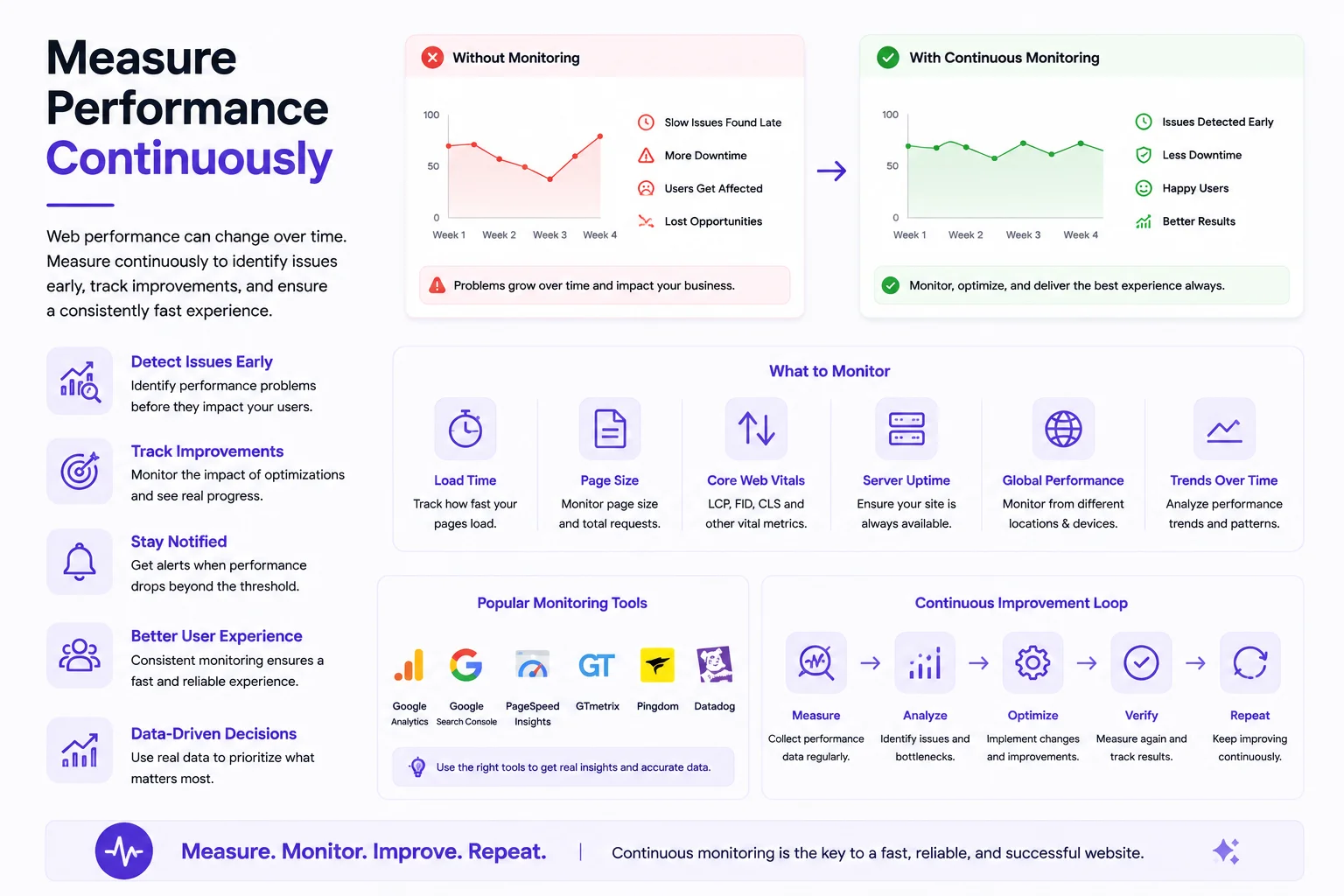
Performance isn’t a one-time optimization. Every new feature, dependency, image, and third-party script can affect an application’s performance.
An application that performs well today can become slower over time as new functionality and dependencies are added. Without continuous measurement, these performance regressions can easily go unnoticed.
Where possible, monitor both lab data and real-user data. Lab testing can help identify performance problems during development, while real-user data can show how the application performs across actual devices, networks, and usage conditions.
Important metrics to track include:
- Core Web Vitals
- JavaScript and CSS bundle size
- JavaScript execution time
- Network requests and resource sizes
- Real-user performance
- Long tasks and responsiveness
Continuous monitoring helps developers detect performance regressions before they become bigger problems.
Performance should therefore be part of the regular development and deployment process rather than something that is checked only when users report that an application feels slow.
Final Takeaway
Great front-end performance starts with good engineering decisions.
Don’t wait until your application becomes slow to optimize it. Think about performance while designing, developing, testing, and deploying your application.From optimizing Core Web Vitals and reducing unnecessary JavaScript to improving images, fonts, caching, CDNs, and third-party scripts, each decision can contribute to a faster and more responsive experience.
No single technique can solve every performance problem. Good front-end performance comes from consistently reducing unnecessary work, delivering appropriately sized resources, and continuously measuring how the application performs.
Remember:Less JavaScript. Smaller assets. Faster interactions. Better experiences.